DashCraft IO is a racing video game where players can both drive fast and create their own racing courses. The thing is, you are not supposed to race around preset racing circuits, but you can either choose tracks built by other users or build them yourself.
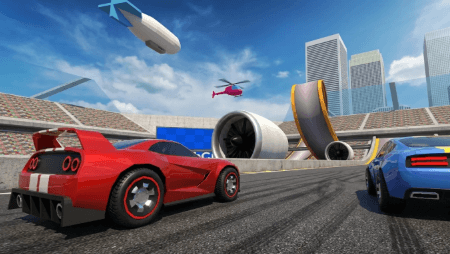
Improve your driving skills while competing with the ghost cars that symbolize the previous best results of other players in the race. Learn from the moves of your opponents and try to complete the race quicker than them. Try to improve yourself in order to become the leader on the leaderboard in DashCraft IO.
The most exciting part about this game is that you have the possibility of creating tracks for the races in the track builder. Create an easy track for a quick race or a difficult track for careful driving. Once you are done with your creation, you may share your track with the community.
DashCraft IO provides several cars that can cater to different driving styles. Pick the car that fits your style and discover how well it performs during jumps, corners, and rough terrain. If you don’t wish to engage in competitive races, switch to the free roam feature.
The controls are not hard to learn but need some getting used to. Drive with caution through tight corners, drive slowly where there are obstacles, and use ramps to do jumps. Through practice, one will be able to lower the race times and have fun creating tracks.
Practice these controls to be able to drive through tight corners, make jumps, and avoid obstacles.